






VIDEO TUTORIAL: Create 3D Text and Lighting in AE
Christopher Silva • June 6, 2019
Video Walkthrough on Creating 3D Text and Lights in Adobe After Effects
In this video tutorial, Crown Media Studio's Chris Silva will walk you through the steps required to create some stunning 3D Text and volumetric lighting effects in Adobe After Effects. You can create awesome intros and logo stings foloowing the simple steps provided in the tutorial, and all of the processes Chris uses are all native to After Effects so you won't need to purchase any third party plugins to create these great 3D text effects.

The biggest question for a Facebook marketer is this: how do you get people engaged with your post? You can’t expect them to check your page on a daily basis. They are surrounded by ads and information, so you have to do something special to earn their attention. Social Media Marketing success requires being willing to find a unique approach.

If you want to know the current state of video marketing in detail and understand where it is heading check out this article and featured infographic.


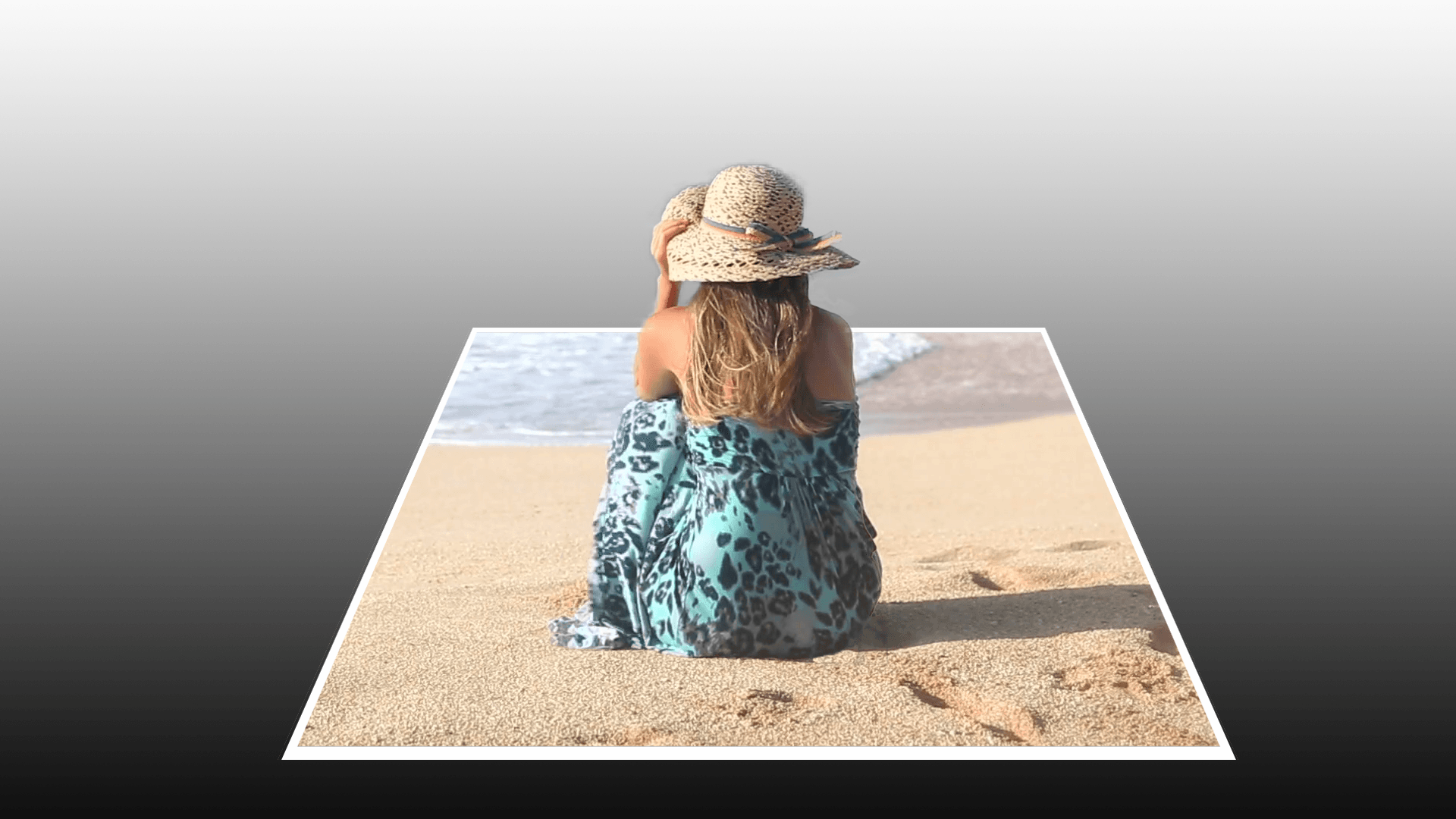
Crown Media Studio's Chris Silva guides you through the process of creating a Pop Out 3D effect out of any 2D Subject.
In this video tutorial, Crown Media Studio's Chris Silva will walk you through the basics of how to use the rotobrush tool in Adobe After Effects CC 2019 to seperate a subject from the background of a video clip. The rotobrush tool in After Effects is a lot like the quick selection tool in Photoshop, and creates an effect similar to keying when using green screen footage.

Check out this infographic that gives you the key video marketing statistics for 2019
In this video tutorial, Chris Silva from Crown Media Studio show's you how to use the vanishing point filter effect in Adobe Photoshop to transform a 2D Photo into a 3D environment that you can then animate in Adobe After Effects.

The holidays are a great time to boost your social media strategy. Here's how to promote your products and business during the holidays.

In this post, I’ll go through the expected social media trends of 2019. Some of them are already here, and growing slowly, but aren’t at full hype just yet. Some are big and booming, and expected to get even bigger in 2019.